
Managing tee times used to mean a printed sheet, a phone on the front desk, and someone whose entire morning was spent picking up calls.
That model still exists in more clubs than you might expect — and it shows. Double bookings, missed revenue windows, players left waiting for confirmation, and staff buried in administration instead of focusing on the round.
Golf tee time software changed what is operationally possible. But not all solutions are built the same way, and choosing the wrong one creates a different set of problems: tools that do not talk to each other, data that lives in silos, and a booking experience that feels outdated the moment a player opens it on their phone.
This guide covers what to look for, what questions to ask, and what separates a basic scheduling tool from software that genuinely transforms how a course operates.
What is golf tee time software — and what it should actually do
At its most basic, golf tee time software is a digital system for scheduling when players access the course. But that definition undersells what modern platforms are capable of — and what clubs should expect from them.
A serious tee time management system does far more than replace a paper sheet. It controls availability in real time, applies pricing rules automatically, connects to the channels where players actually book, handles payments, and feeds data back to the people who need it.
It reduces the number of calls to the front desk, speeds up check-in, and gives management a live picture of occupancy at any moment.
What it should not do is exist as a standalone island. The most common mistake clubs make is choosing software that handles tee times in isolation — and then spending years trying to connect it to everything else.
Player data is fragmented across systems, with billing that requires manual reconciliation and reports that take hours to produce by hand. The tee sheet is the operational core of a golf course; the software that powers it should be connected to the rest of the business from day one.
6 key features to look for in golf tee time software
1. Real-time availability across all devices
The system needs to update instantly — every reservation, cancellation and modification reflected immediately, visible to every member of staff regardless of where they are.
A cloud-based platform accessible from any device is now the baseline standard. If the software requires a specific terminal or a local installation to function, it is already a constraint waiting to become a problem.
2. A fully integrated online booking engine
Players expect to book tee times the same way they book flights or restaurants: online, in seconds, without calling anyone.
Your tee time software should include a native online booking engine that gives players a clean, fast experience — and that feeds directly into your tee sheet without any manual import.
This matters more than it might seem. When the online booking system is a third-party add-on rather than a native part of the platform, data reconciliation becomes a daily chore. Availability can fall out of sync. Payments processed externally do not connect to the player’s profile. The booking engine and the tee sheet need to be the same system, not two systems pointing at each other.
3. Dynamic pricing based on demand and occupancy
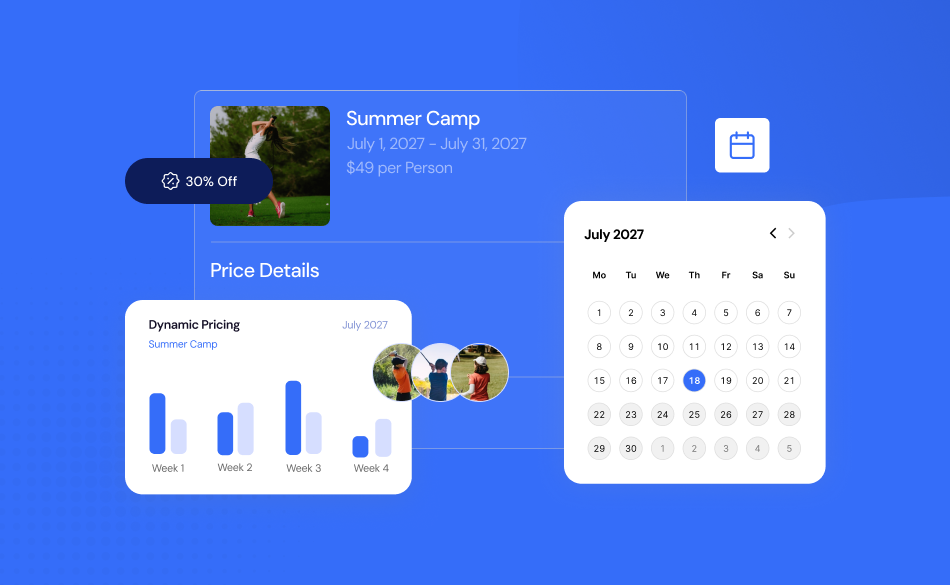
Static green fees leave revenue on the table. A tee time at 8 am on a Saturday in peak season is worth considerably more than the same slot on a Tuesday in November — and pricing should reflect that automatically.
Look for software with a dynamic pricing module that lets you set rates based on day of the week, time of day, season, advance booking window and current occupancy. The system should apply the correct rate without staff intervention. The best implementations also identify and apply promotions automatically, filling off-peak slots without requiring manual discount codes or special configurations for each campaign.
4. OTA and agency connectivity
A meaningful portion of rounds at most courses — and virtually all rounds at resort courses — come through online travel agencies, tour operators and intermediaries.
If your tee time software cannot connect to these channels directly, you are either managing a separate extranet manually or missing bookings entirely.
Native OTA connection through your tee sheet means availability updates automatically across every channel the moment a booking is made. No double bookings. No manual syncing. And No calls from agencies asking whether a slot is still open.
5. Waitlist management and automatic slot recovery
Cancellations happen. What separates a well-run course from a poorly-run one is often what happens in the minutes after a tee time is cancelled.
A waitlist module that automatically notifies waiting players and reopens the slot for booking recovers revenue that would otherwise be lost — without any action from staff. The system can also be configured to automatically reopen tee times if target occupancy is not met by a certain point before the slot, turning empty starts into filled ones.
6. Integrated payments — online and on-site
Payment friction slows everything down. Players who have already paid online should not need to queue at the front desk. Members whose rounds are charged to their accounts should have that reflected instantly. Visitors paying on arrival should be able to do so quickly, on any device, with any method.
Look for software that handles both online payments and on-site payments within the same platform, connected directly to the tee sheet and to the player’s profile. Every transaction should update the booking record in real time — no end-of-day reconciliation, no manual entry.
The difference between standalone tee sheet software and an all-in-one platform
A standalone tee sheet handles the scheduling. An all-in-one platform handles everything and connects it.
The distinction matters because the tee sheet is not where the player’s journey begins or ends. A golfer books online, checks in on arrival, might have lunch at the restaurant, and visit the pro shop. Or use the driving range. At a resort, they are also a hotel guest.
Every one of those touchpoints generates data. And if that data lives in separate systems, nobody has a complete picture of who the player is, how much they spend across the business. Or what would bring them back.
A unified platform with a connected CRM means every department works from the same player profile. The front desk knows who is arriving and what they booked. The restaurant knows a member is on course and due to finish in 45 minutes. Management can pull reports that show revenue per player across every area of the club — not just green fees.
This is what allows personalization at scale. Not because someone manually updated a spreadsheet. With Golfmanager’s software the system captures and connects the data automatically.
Questions to ask before choosing your golf tee time software
Before committing to any platform, these are the questions worth putting directly to any provider:
Is it 100% cloud-based?
A genuine cloud platform means no local servers, no software to install, no IT maintenance, and access from any device anywhere. Some providers describe themselves as cloud-based while still requiring local installation for key functions — worth confirming.
Does it include a native online booking engine?
As above: a third-party bolt-on creates integration problems. Ask whether the online booking system and the tee sheet share the same database.
How does it handle dynamic pricing?
Ask for a live demonstration of how rates are configured and applied. The best systems are flexible enough to handle the complexity of a real-world pricing strategy. Without requiring a configuration change for every new rule.
Does it connect to OTAs and agencies?
Ask which channels are supported, how availability syncs, and whether there is a separate cost per channel.
Does it support multiple courses?
If you operate more than one course — or plan to — the system needs to handle independent configurations for each while consolidating data centrally.
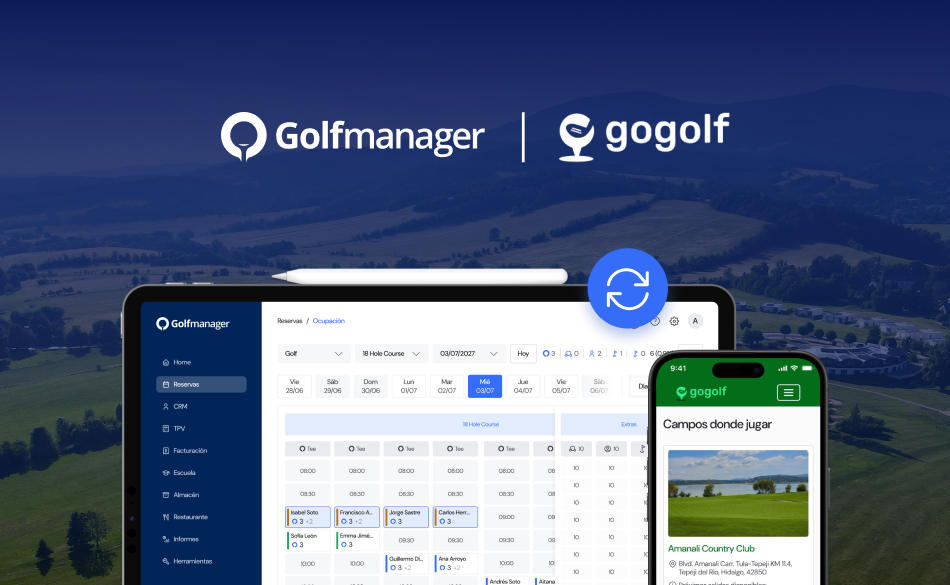
Is there a mobile app for players?
A mobile app that allows players to book, manage their reservation, join other games and receive communications is increasingly a baseline expectation, not a premium feature.
What does support look like?
Software problems do not wait for business hours. Ask whether support is available in real time, in your language, and through which channels.